
Meta AI in WhatsApp Gets Major Upgrade: Voice Conversations, Photo Editing, Chat Summaries, and More

The latest Meta AI feature updates in WhatsApp introduce deeper multimodal integration. Powered by the new Muse Spark model, the assistant shifts from a standard text chatbot into an interactive tool capable of real-time speech, image editing, and enhanced chat organization. This update marks a significant leap forward in how users interact with AI within their everyday messaging app, making the experience more natural, intuitive, and useful than ever before. വീഡിയോ കാണാം
The most striking new feature is the real-time hands-free voice mode. You no longer have to type out your requests to the AI. By pressing a new waveform button inside the Meta AI chat, you can start a real-time, fluid voice conversation. The AI talks back instantly, allowing you to ask questions and follow up hands-free. You can also choose from 10 to 13 different voice options, including globally recognised celebrity voices, to customise the AI’s persona. This makes interacting with the assistant feel less like typing commands and more like having a conversation with a helpful companion. The advanced photo editing and visual analysis features are equally impressive. Meta AI can now see and interact with the photos you upload directly. You can send a picture and type a command to edit it, such as removing a stranger from the background, changing the colour of an object, adding a new background, or transforming the image into an illustration style. You can also upload a photo for real-world insights, like translating a foreign menu or getting instructions on how to care for a plant. Tapping the chat settings allows you to use the Create with AI prompt to generate custom chat wallpapers and bubble colours, and it can even generate stylised profile pictures based on your selfies.
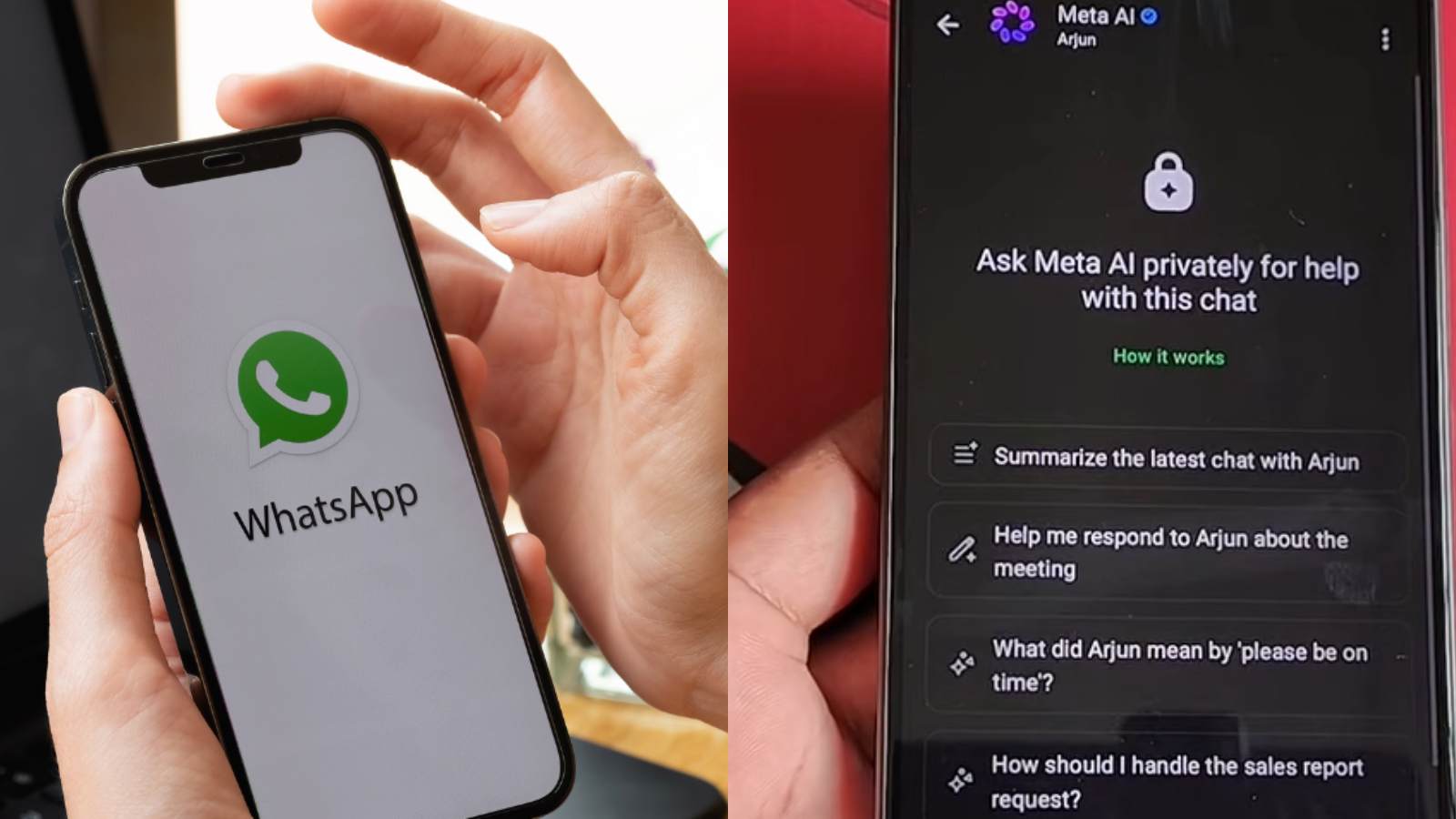
Meta AI also helps manage heavy message volumes and perfects outgoing texts. When group or personal chats pile up with unread messages, you can tap a summary prompt to get a condensed recap of what you missed. A new pencil icon beside the message tray opens a writing assistant that can proofread your text, rephrase sentences, or change the tone of your draft to sound more professional, funny, or supportive before you hit send. These features are designed to save time and reduce the stress of keeping up with busy conversations.
To address data concerns, Meta uses Private Processing technology for its message reading and summary tools. When using features that scan your chat data, the processing is done in a secure loop ensuring that neither Meta nor WhatsApp can read the content of your personal messages, keeping your end-to-end encryption intact. You can also spin up a temporary Incognito Chat with the AI that deletes automatically. With these updates, WhatsApp is transforming from a simple messaging app into a powerful AI-powered communication hub that prioritises both convenience and privacy.
